
Construction
Construction Drone Photography & Video: Complete Guide
What drones are good for on a job site, which drones make sense in 2026, Canada's current drone rules, and how to get footage that is actually useful.

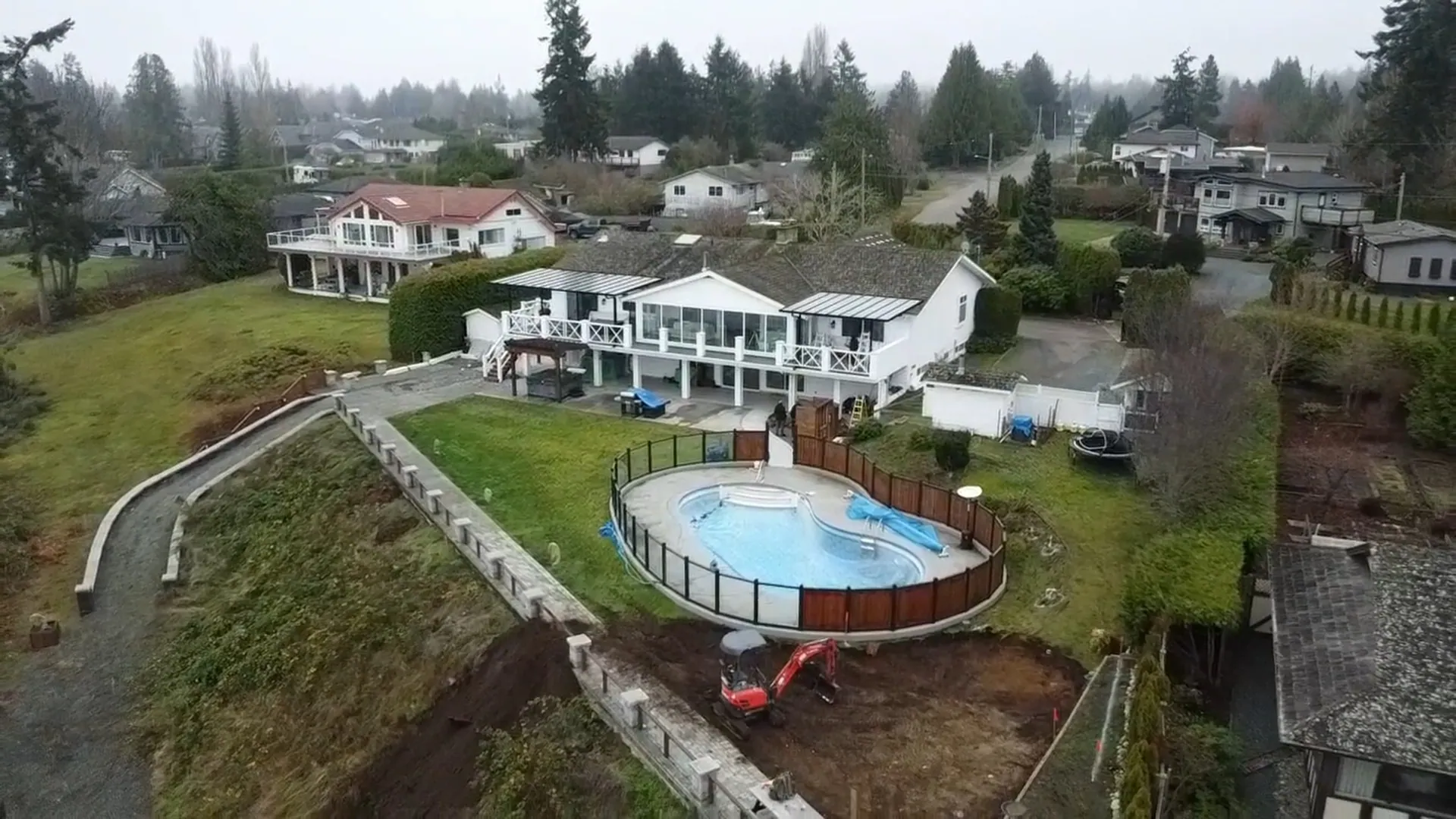
Key findings
- Drones from 250 g to 25 kg need registration and a certified pilot. Registration is $10 per drone, and the pilot must carry a drone pilot certificate (Transport Canada).
- Many job sites need the advanced certificate. Basic operations only cover uncontrolled airspace, more than 30 m from people, 5.6 km from certified airports and 1.9 km from heliports. Much of the Lower Mainland and Victoria fails at least one of those.
- Flying unregistered is expensive. Fines run up to $5,000 for individuals and $25,000 for corporations for an unregistered or unmarked drone.
- The rules changed on November 4, 2025. Advanced pilots can now fly "sheltered" operations close to a structure (Transport Canada).
We've done more than 300 photoshoots for contractors and developers. The builders who get the most out of a drone are the ones who fly the same shots on every visit.
Five Ways Drones Pay Off on a Job Site
1. Progress tracking and documentation
A drone flight every week or two gives you a dated visual record of the whole site. You can compare what was built against the plans, show owners and lenders where things stand without a site visit, and settle disputes about when work was done.
- A photo record of every phase of the project
- Easy comparison between plans and what's in the ground
- Fewer walk-throughs just to "see where we're at"
- Clear updates for clients, lenders and investors
2. Safer inspections
Roofs, facades, scaffolding and steep slopes can be checked from the air before anyone climbs up. That cuts down on time at height and helps you spot problems early.
- Check roofs and upper floors without a lift or ladder
- Spot hazards like loose materials or erosion early
- Keep a record of site conditions for insurance and safety files
3. Time and cost savings
A drone can capture a large site in minutes. For many progress photos and basic inspections, it replaces a crane shot, a helicopter or a full day of walking the site.
- No need to rent a lift or book aerial photography
- Faster measurements of stockpiles and earthworks
- Less rework when issues are caught from the air
4. Marketing that stands out
Aerial shots show the size and quality of your work in a way ground photos can't. They work well on your website, in Google Business Profile photos, in social media and in bid packages.
- Hero images and videos for your website
- Short clips for Facebook and Instagram ads
- Before and after shots that help you win bids
5. Mapping and surveys
Mapping drones with RTK positioning, paired with photogrammetry or LiDAR software, can build accurate site maps and 3D models. These help with site planning, cut and fill calculations and quantity estimates. For legal surveys you still need a licensed surveyor.
- Orthomosaic maps and 3D models of the site
- Volume measurements for stockpiles and excavation
- Faster data for estimating and planning
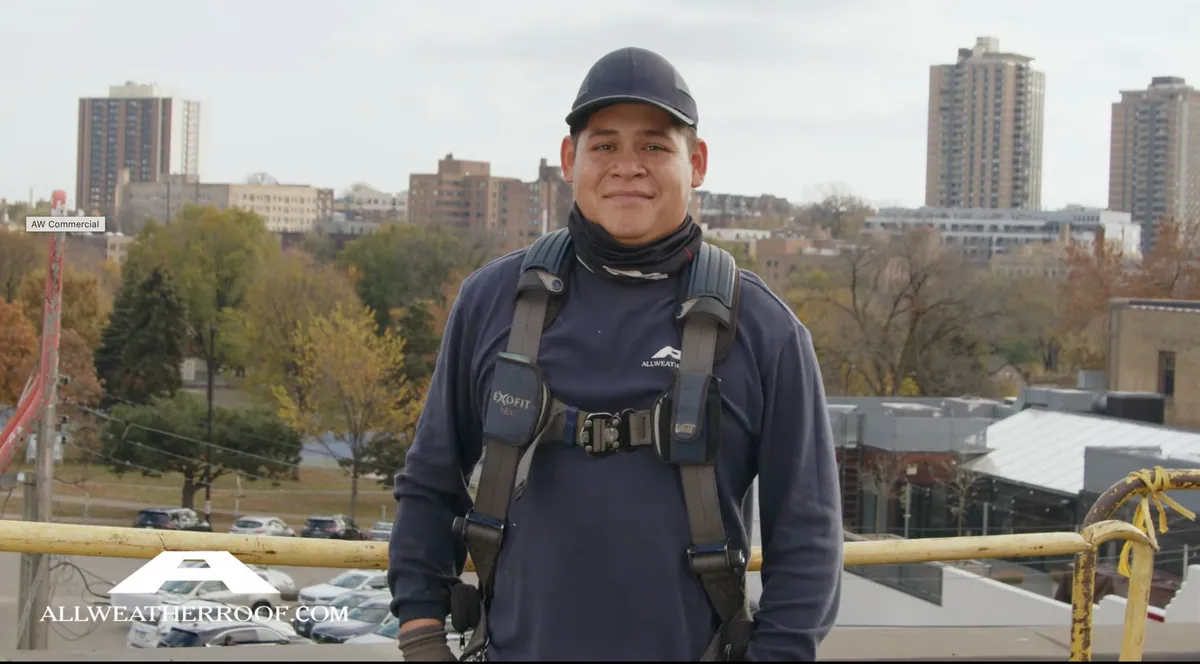
Photo by melomultimedia, a commercial video production company
Getting Started: Drones, Rules and Flight Planning
1. Choose the right drone
Pick the drone for the job you need done most often. As of 2026, these are common choices on Canadian job sites:
- DJI Mavic 4 Pro: high-end photo and video for marketing, with a large main camera and two telephoto lenses.
- DJI Air 3S: a lighter, lower-cost option that still shoots sharp photos and video for websites and social media.
- DJI Matrice 4E: built for mapping and surveying, with RTK positioning for accurate site maps and measurements.
- DJI Matrice 350 RTK or Matrice 400: larger enterprise drones that carry LiDAR, thermal and zoom cameras for serious inspection and survey work.
Older models like the Phantom 4 RTK and Matrice 300 RTK have been replaced by the drones above, so check support and parts availability before buying used.
2. Know the Canadian rules
Transport Canada regulates drones. For any drone that weighs 250 g to 25 kg, you need to:
| Rule | What it means |
|---|---|
| Register the drone | With Transport Canada, $10 per drone, and mark it with the registration number |
| Basic Operations certificate | Flights in uncontrolled airspace, at least 30 m from bystanders |
| Advanced Operations certificate | Controlled airspace (common near Lower Mainland and Victoria airports), close to or over bystanders |
| Controlled airspace | Get permission through NAV CANADA before you fly |
| Height and sight | Stay under 122 m (400 ft) and keep the drone in sight |
Canada's rules changed on November 4, 2025. Advanced pilots can now fly "sheltered" operations close to buildings and structures, extended visual line-of-sight with a trained observer, and medium drones up to 150 kg. A new Level 1 Complex certificate allows some flights beyond visual line-of-sight in unpopulated areas. Check Transport Canada's drone safety pages before each new type of job.
3. Plan your flight
A few minutes of planning saves a wasted trip:
- Fly early morning or late afternoon for softer light and longer shadows.
- Skip days with strong wind or rain.
- List the shots you need: foundations, framing, roof, equipment, finished exterior.
- Use saved waypoints so progress photos are taken from the same spots every time.
- Tell the site supervisor and crew before you fly.
- The day before: Check the airspace. Look the site up in NAV Drone. Controlled airspace needs an authorization first.
- On arrival: Brief the site. Tell the supervisor and crew where you'll fly and land.
- The flight: Same five shots. Saved waypoints, so every visit lines up with the last.
- After: Log it. Date, location and pilot, with the photos filed by date.
4. Get the right angles
- Wide shots: the whole site in its surroundings.
- Close-ups: details that show quality work.
- Top-down shots: clean progress photos and site layouts.
- Moving shots: slow orbits and reveals for video.
- Panoramas: a full view of the site and neighbourhood.
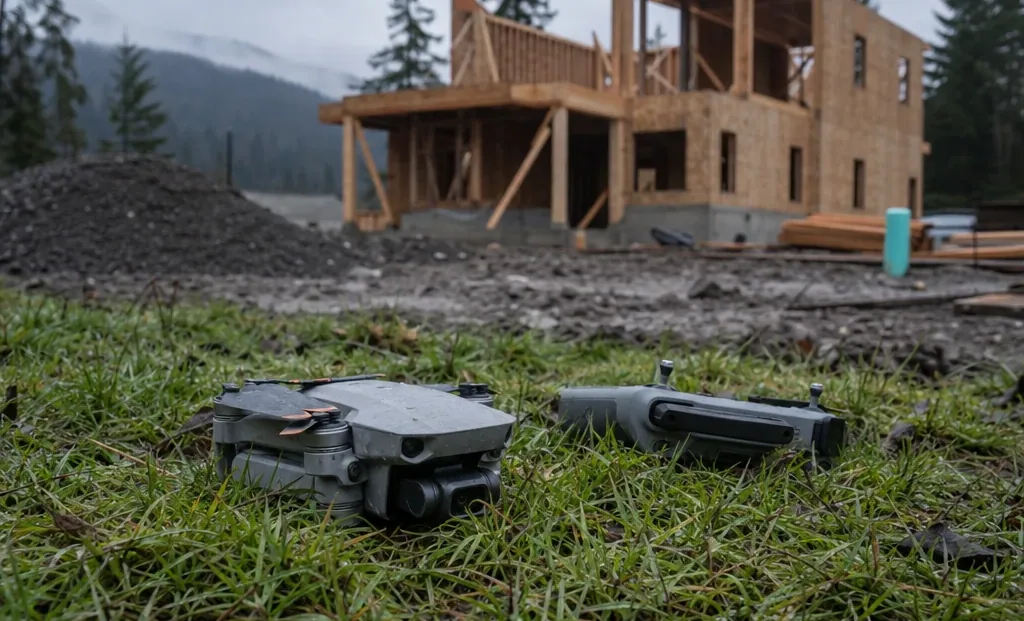
| Offence | Individuals | Corporations |
|---|---|---|
| Flying without a drone pilot certificate | $1,000 | $5,000 |
| Flying where you're not allowed | $3,000 | $15,000 |
| Putting aircraft and people at risk | $3,000 | $15,000 |
| Flying an unregistered or unmarked drone | $5,000 | $25,000 |
Using Drone Video on Your Projects
1. Time-lapse videos
- Show a project going from bare dirt to finished building.
- Use the same flight path each visit so the clips line up.
- Cut a short before and after version for social media.
2. Virtual site tours
- Let owners, lenders and investors see progress from anywhere.
- Cut down on site visits just for updates.
3. Inspections and quality control
- Zoom cameras show roof and facade details without climbing.
- Thermal cameras can point to heat loss and moisture problems worth a closer look.
4. Marketing
- Use aerial clips in Facebook, Instagram and YouTube ads.
- Add aerial photos to your website, Google Business Profile and bid packages.
Best Practices for Construction Drone Photos and Video
- Shoot in 4K or higher so you can crop and still get sharp results.
- Set your camera manually: lock white balance, keep ISO low and use ND filters for smooth video.
- Vary your height while staying under 122 m.
- Keep your distance from workers, cranes and moving equipment.
- Edit before you share: DaVinci Resolve, Adobe Premiere Pro and Final Cut Pro all work well.
- Keep firmware and flight apps up to date so no-fly zone data is current.
- Log every flight with the date, location and pilot, especially for progress records.
What's Changing in 2026
1. Smarter software
- Mapping software now flags changes between flights and measures volumes automatically.
- Progress reports can be generated straight from drone data.
2. More automated flights
- Docked drones that launch on a schedule are showing up on larger sites.
- Canada's November 2025 rules opened the door to more flights beyond visual line-of-sight.
3. Longer flight times
- Current camera drones fly roughly 40 to 50 minutes per battery, so more of a site fits into one flight.
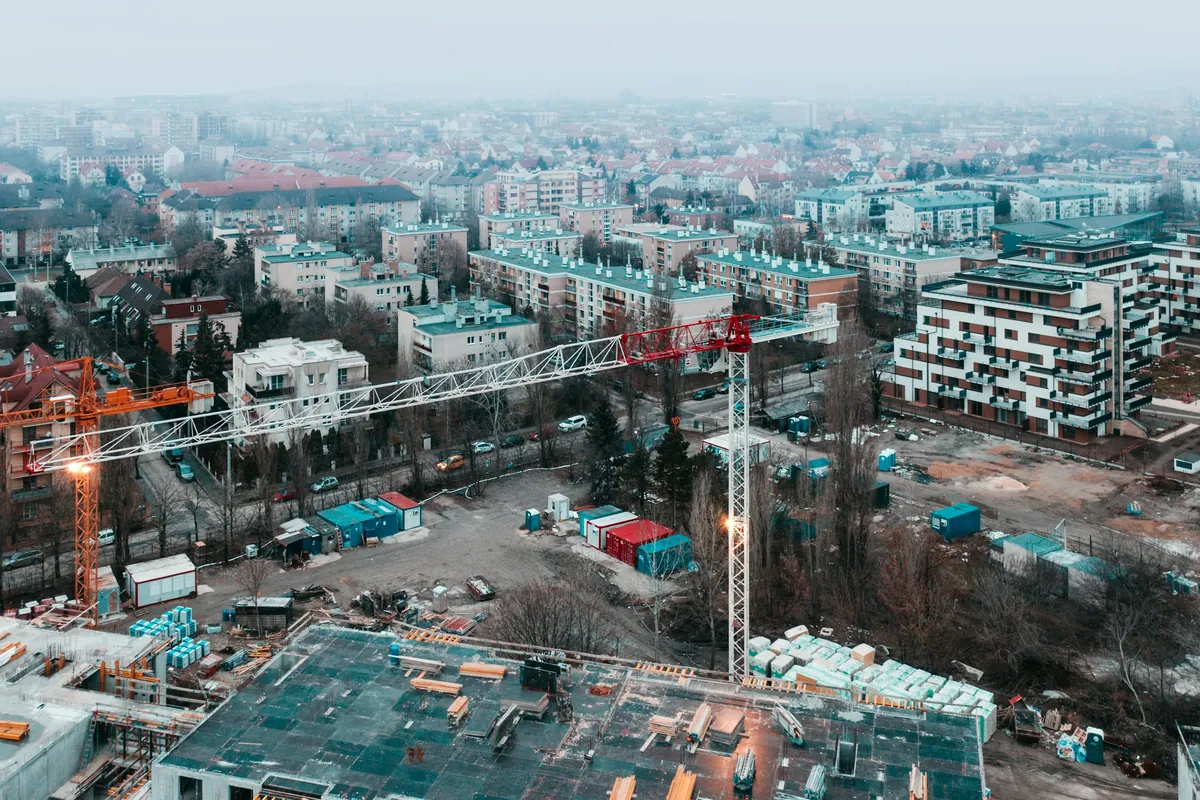
Where to start
Pick the one job a drone would do best for you, usually progress records, and fly the same five shots every two weeks from the same spots. Check the airspace before every new site. After three months you'll have a record of the build and a library of marketing photos you didn't have to plan separately.
If you'd rather have it done for you, our drone photo and video packages cover single shoots and monthly plans for active projects. For listings, see our real estate drone guide.
Questions contractors ask
Do you need a licence to fly a drone on a construction site in Canada?
Yes, for any drone from 250 g to 25 kg: a registered drone and a Transport Canada pilot certificate. Near airports, in controlled airspace or close to workers, that has to be the advanced certificate.
Can you fly a drone near an airport?
Only with an advanced certificate and an RPAS Flight Authorization from NAV CANADA, requested through the NAV Drone app, within 5.6 km of a certified airport or 1.9 km of a heliport.
How often should you fly an active site?
Monthly works for most builds. Weekly makes sense during fast phases like framing, or when owners and lenders want frequent updates.
How much does construction drone photography cost?
Our single shoot is $800 for 10+ edited photos, a highlight video and the raw footage; the Drone Plan is $1,799 for 3 shoots. Travel is extra.
How we put this together
- Rules
- Transport Canada, checked September 2026
- Our experience
- 300+ photoshoots for contractors and developers
- Updated
- September 29, 2026
Updated September 29, 2026. Rules and fines are from Transport Canada's drone safety pages and the 2025 changes. Rules change, so check Transport Canada before any flight.
Our own numbers. Prices and the 300+ photoshoots are Debut's own; the shot lists are how we fly construction sites.
Cite this page
Striemer, E. (2026, September 30). Construction Drone Photography & Video: Complete Guide. Debut Marketing. https://debutmarketing.ca/construction-drone
The numbers on this page are Debut Marketing's 2026 findings. We combined our own campaign data with the studies, ad platforms and agencies listed under Sources, took the typical figure for each number and put it in Canadian dollars. You're welcome to use them: please credit Debut Marketing and link to this page.
Sources
- 1 Transport Canada. Drone safety.
- 2 Transport Canada. Flying your drone safely and legally. Registration, certificates and the fines for breaking the rules.
Other links in this guide
- tc.canada.catc.canada.ca/en/aviation/drone-safety/2025-summary-changes-canada-drone-regulations
Keep reading
- Real Estate Drone Photography in Vancouver The 2026 drone rules, flying near YVR, the shots that sell each kind of listing, and what a shoot costs. Read it
-
 Roofing Website Statistics 2026 131 Canadian roofing companies scored on their websites and Google profiles: the grades, the gaps and the fixes. Read it
-
 Construction Website Statistics 2026 133 Canadian construction companies scored on their websites and Google profiles: the grades, the gaps and the fixes. Read it